
~Bspwm dotfiles ~


Info
| Distro | Arch |
|---|---|
| WM | BSPWM |
| Bar | Polybar |
| Menu | Rofi |
| Compositor | Ibhagwan-Picom |
| Terminal | Alacritty-Kitty |
| Widgets | ElKowars wacky widgets |
| Music/Player | mpd-ncmpcpp |
| File Manager | Thunar |
| ⚠️ WARNING ⚠️ |
|---|
|
Very useful keybindigs to know...
alt + F1For HotKeysalt + @spaceApps Menu.super + hHides barPrintTakes screenshot.super + ReturnOpen a terminal.super + shift + ReturnOpen a floating terminal.super + cKill a window/process.shift + alt + wChanges randomly wallpaper.ctrl + shift + rRestart bspwm. Other Keybinds
📦 Setup (Isn't Full Installation. Be careful about it.)
This is step-by-step how to install these bspwm dotfiles. Just R.T.F.M.
💾 Installation:
The installer only works for ARCH Linux, and based distros.
Open a terminal in HOME
- Clone the repo
git clone https://github.com/S4NKALP/bspwm.git
cd bspwm
- Install needed dependencies
./install (if it show error give permission by chmod +x install
-
After installing copy all files to respective location
-
If config didn't work then just give executive permission to all
-
Copy fonts file to ~/.local/share/
Once finished copying the files, you might want to finalize the changes to your system.
 # Rebuilds the font cache
 $ fc-cache -fv
Miscellaneous.
-
Elkowar's Wacky Widgets
If you're NOT using a monitor with a 1280x1080 resolution, you might want to change the
xandyvalues of the widgets on the config. -
Theme Suggested
-
Icon Theme Suggested
Nordzy Icon this
-
Make Yourself window rule in bspwm
Lastly, log out from your current desktop session and log in into bspwm.
Some tips
- If u dont want to use the random wallpapers comment line 150 from /home/YourUser/.config/bspwm/bspwmrc file.
Troubleshooting
- Weather module is showing wrong values
You need to edit ~/.config/eww/scripts/weather_info & in slidebar/scripts/Weather change the name of your city, you can get it from openweathermap
Acknowledgements.
Screenshots
Desktop
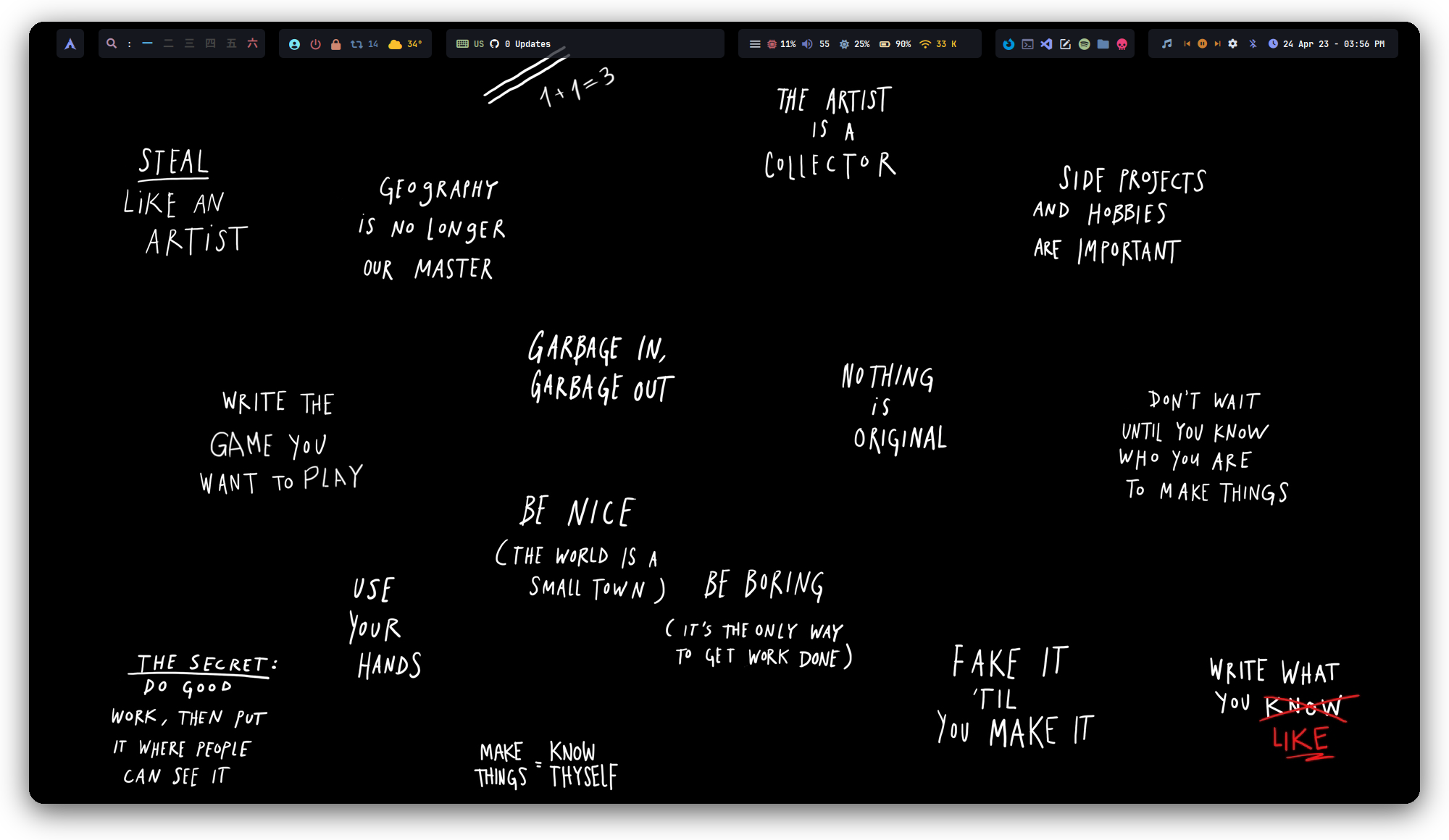
Polybar

Old Polybar

Info-Panel
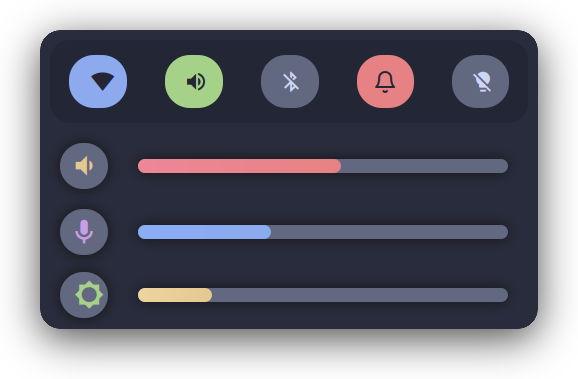
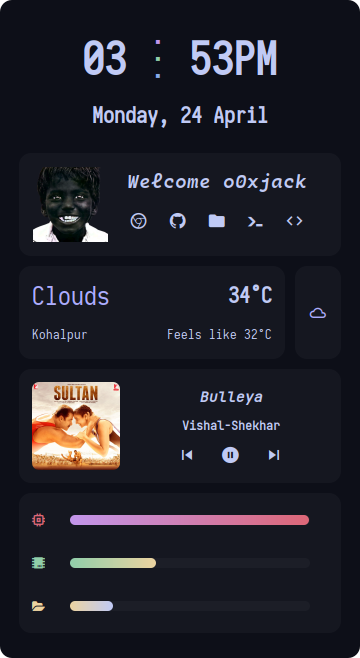
Side-Bar
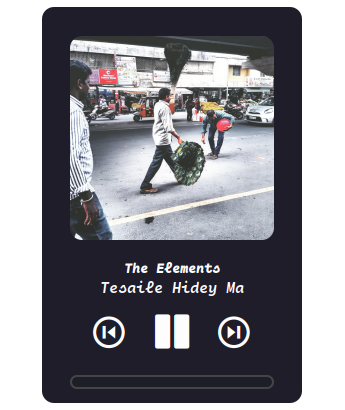
MusicPlayer
FireFox

Old