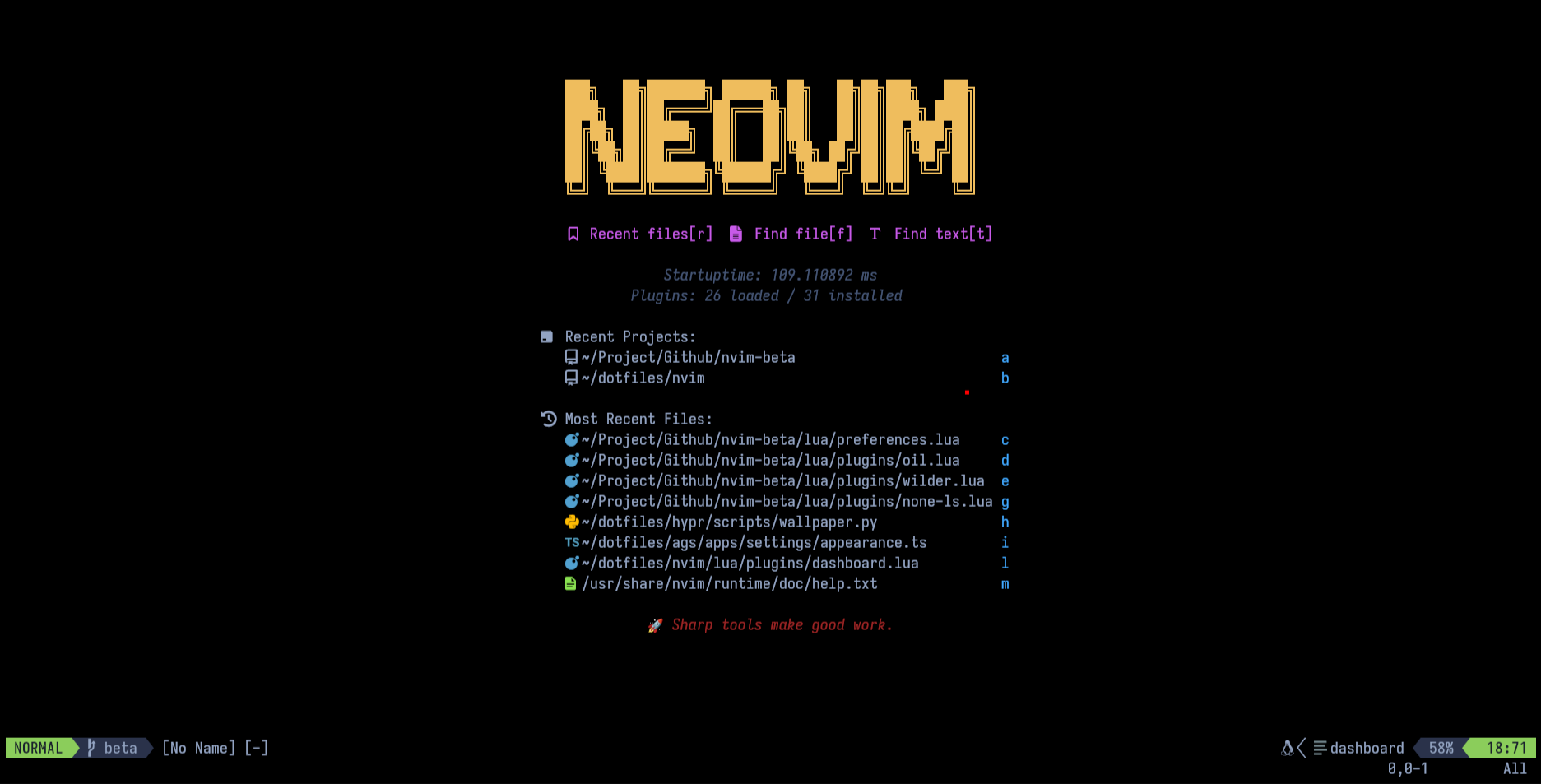
## Highlights
- **Modular Structure**: Organized Lua scripts for readability and easy customization.
- **Language Support**: Automated setup for various languages using Mason.nvim.
- **Keybindings**: Streamlined shortcuts for productivity, detailed in `lua/core/keymaps.lua`.
- **Plugins**: Handpicked plugins managed via Lazy.nvim for enhanced functionality.
## System dependencies
Important system dependencies:
- **Nerd fonts** ([information source](https://gist.github.com/matthewjberger/7dd7e079f282f8138a9dc3b045ebefa0)):
- Download a [Nerd Font](https://www.nerdfonts.com/) (good choice is "JetBrainsMono Nerd Font").
- Unzip and copy to '~/.local/share/fonts'.
- Run the command `fc-cache -fv` to manually rebuild the font cache.
- **Tools for finding stuff**:
- [ripgrep](https://github.com/BurntSushi/ripgrep#installation)
- [zig](https://ziglang.org/)
## Installation
Delete old nvim configuration
```bash
rm -rf ~/.config/nvim
rm -rf ~/.local/state/nvim
rm -rf ~/.local/share/nvim
```
Clone the repository to ~/.config
```bash
git clone --filter=blob:none https://github.com/S4NKALP/nvim.git ~/.config/nvim
```
Run neovim to complete the setup
```bash
nvim
```
### Customization
Feel free to modify and adapt my configuration to your own needs!
### 🧰 Tools Used
- [dots](https://github.com/S4NKALP/hyprland) — Dev Environment
- [nvim](https://github.com/S4NKALP/nvim) — Personalized Editor