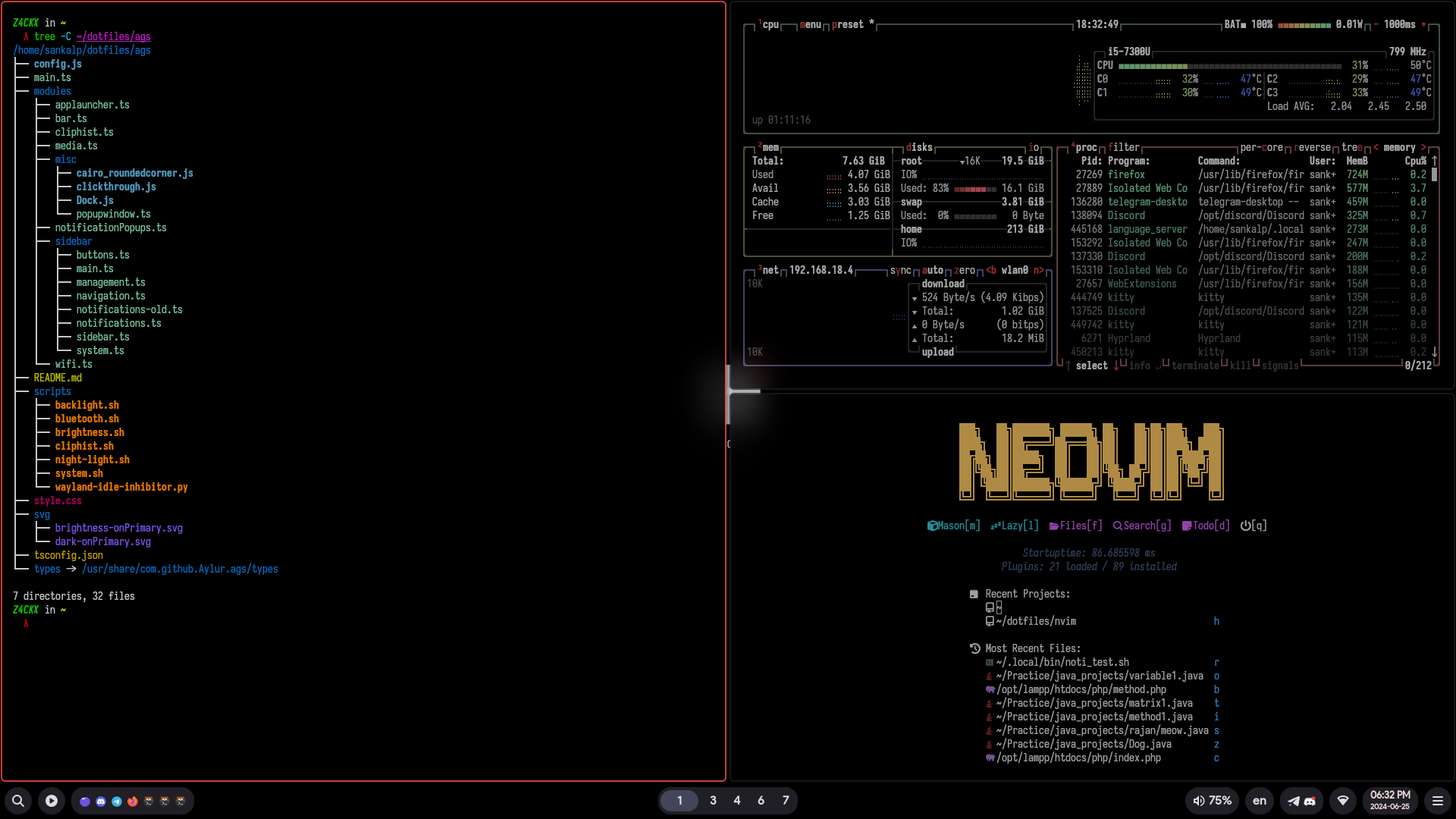
This repository contains Arch Linux's DotFiles, which I use on a daily basis.
It includes custom settings, aliases, settings for familiar tools, and more to quickly create my ideal work environment on any machine.
for
### ✨ Features
- :dark_sunglasses: Dark Mode for the Whole System
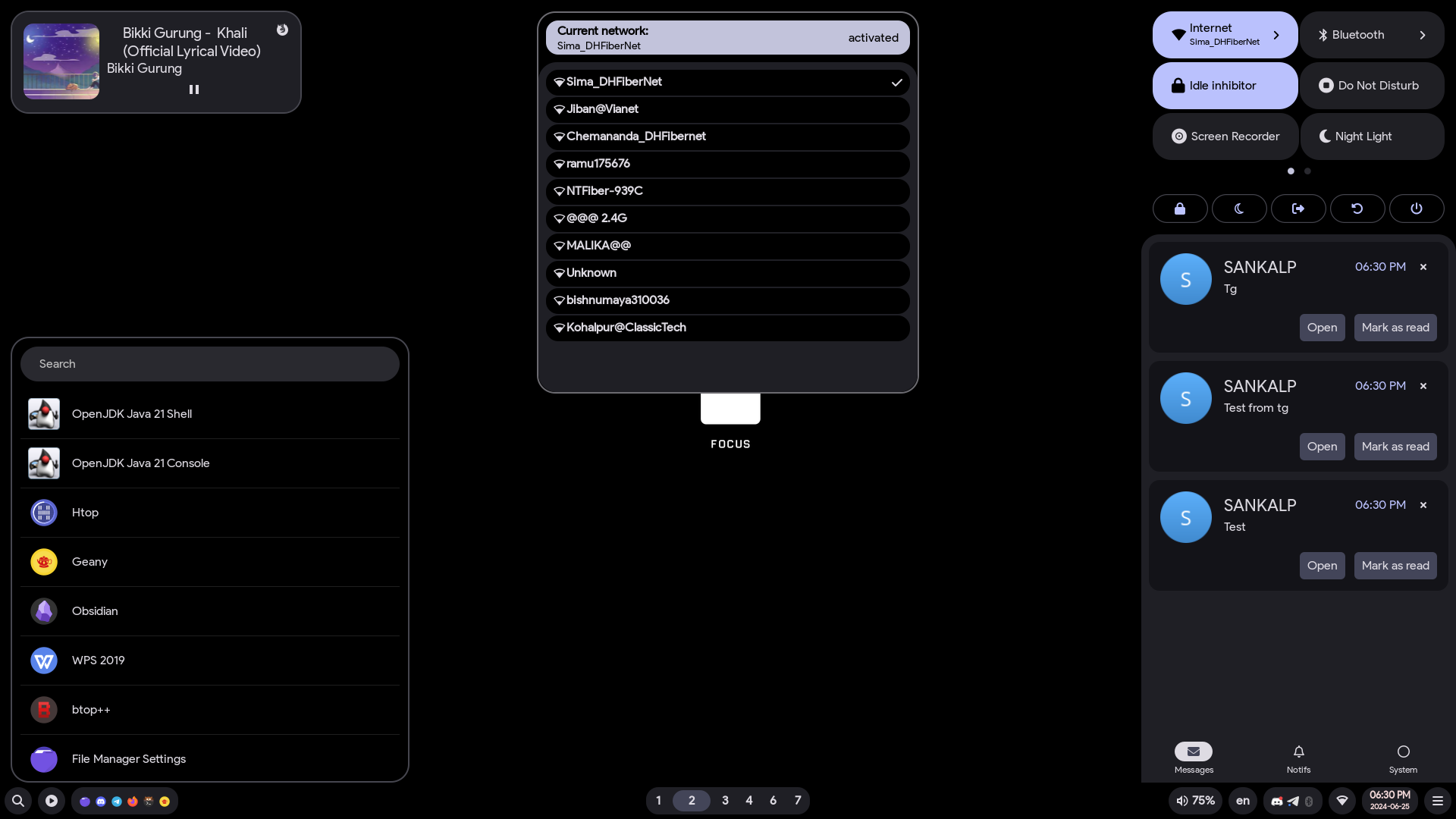
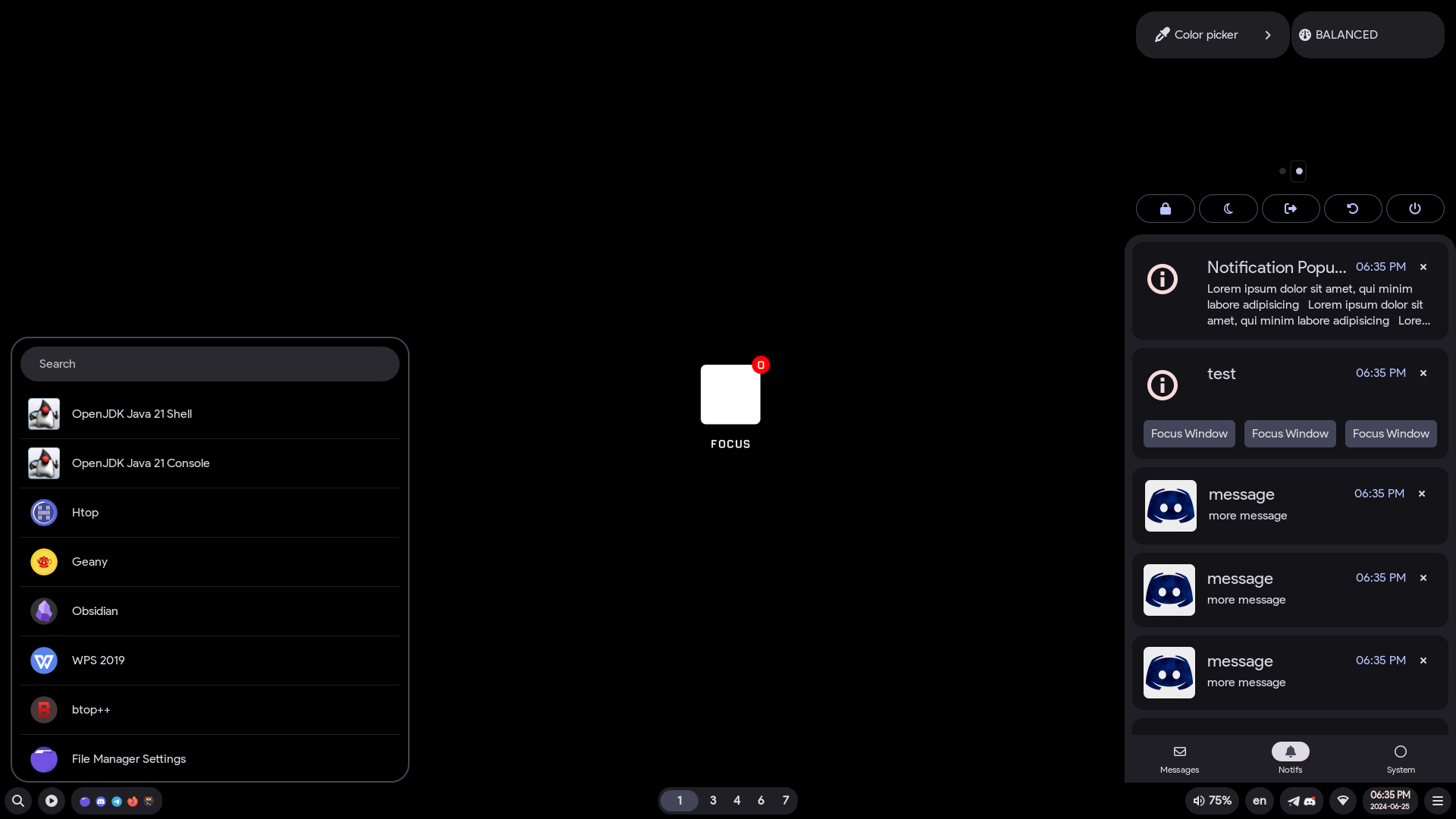
- :bell: Notification Center
- :framed_picture: Various Wallpapers
- :nerd_face: Nerd Fonts for the Shell Prompt
- :iphone: App Launcher
- :keyboard: Multiple Keyboard Layouts
- :car: Automatic mount of USB devices with notification
- :lock: Idle and lock apps
- :open_file_folder: Following XDG Base Directory Standard
- :broom: Organized and cleaned up config files
- :point_up: Screenshot, Clipboard and Wallpaper Picker
- :boom: Performance Mode
- :window: Window Animations
- :gear: Various other tweaks & scripts
### 🌸 Core System Info
- **OS**: [Arch Linux](https://archlinux.org/) :boom:
- **WM**: [hyprland](https://hyprland.org/) :window:
- **Shell**: [zsh](https://www.zsh.org/) / [starship](https://github.com/starship/starship) :shell:
- **Terminal Emulator**: [kitty](https://sw.kovidgoyal.net/kitty/) :cat:
- **Panel**: [AGS](https://aylur.github.io/ags-docs/) :shaved_ice:
- **Text Editor**: [neovim](https://neovim.io/) / [geany](https://www.geany.org/) :keyboard:
- **App Launcher**: [rofi](https://davatorium.github.io/rofi/) / [AGS](https://aylur.github.io/ags-docs/) :rocket:
- **File Manager**: [yazi](https://yazi-rs.github.io/) / [Thunar](https://github.com/neilbrown/thunar) :open_file_folder:
- **Browser**: [firefox](https://www.mozilla.org/) :globe_with_meridians:
- **Colorscheme**: [Darker](https://github.com/S4NKALP/hyprland/tree/main/assets/Darker) :art:
---
## 📁 Directory Structure
```
Dotfiles🌴
│
├─ 📁 assets
│ └─ screenshot fonts
├─ 📁 config
│ └─ configuration directory
├─ 📁 misc
│ └─ bins/scripts
├─ 📁 wallpapers
└─ wallpapers used for hyprland
```
## :keyboard: Keyboard Shortcuts Guide
```
Windows + Enter: Open Terminal
Windows + E: Thunar File Manager
Windows + D: Application Launcher
Windows + C: Close Program
ALT + C: Xmenu
ALT + M: Online Music Player
Windows + W: Wallpaper Picker
Windows + Space: Change Screen Layout Style
PrtSc: Taking Screentshot
ALT + F1: Change Keyboard Layout
Windows + F1: For Keybinds
Other keybinds can be found in ~/dotfiles/hypr/UserConfigs/UserKeybinds.conf
or in ~/dotfiles/hypr/configs/Keybinds.conf
```
# :wrench: Setup ArchInstall
* Using ArchInstall Script Install Archlinux on bare metal.
* After Booting into HyprLand, Open terminal and install Aur Helper called Paru
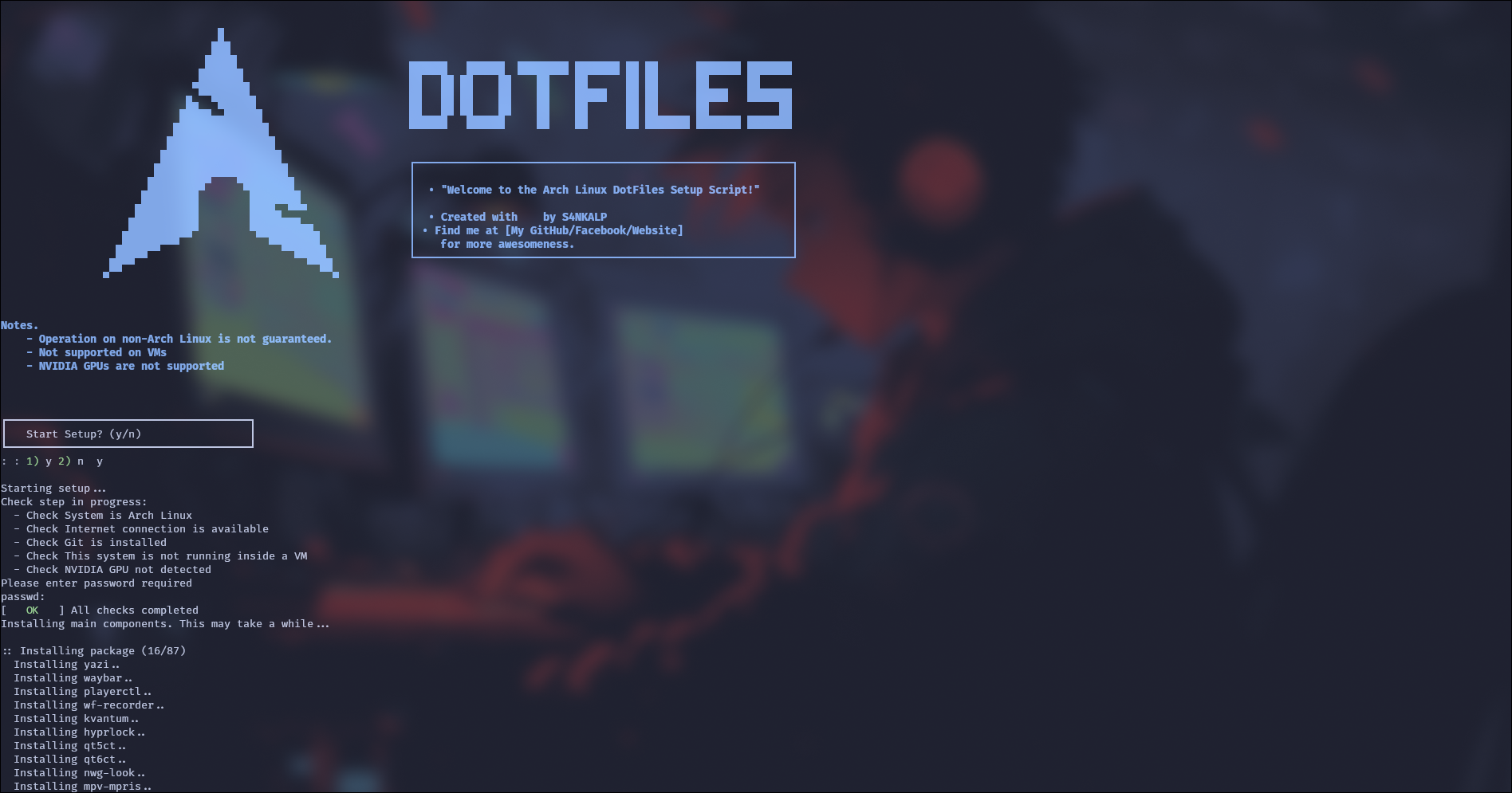
### :package: Automatic Installation (Arch Linux)
```
git clone -b AGS https://github.com/S4NKALP/hyprland.git
cd hyprland
chmod +x setup
./setup
```
### 🧰 Tools Used
- [nvim](https://github.com/S4NKALP/nvim) — Personalized Editor
- [blog](https://github.com/S4NKALP/blog) — Blog
⭐ hit the star button if you found this useful ⭐
If you have any questions, issues, or suggestions, feel free to let us know by opening an issue. Your feedback is greatly appreciated!