

~ Bspwm dotfiles ~
| :warning: WARNING :warning: |
|---|
| THIS DOTFILES ARE CONFIGURED AT 1920x1080 WITH 96 DPI! 1 MONITOR SOME STUFF MIGHT BREAK ON LOWER OR HIGHER RESOLUTIONS BUT WILL STILL WORK! |
alt + F1 For HotKeys
- alt + @space Apps Menu.
- super + h Hides bar
- Print Takes screenshot.
- super + Return Open a terminal.
- super + shift + Return Open a floating terminal.
- super + c Kill a window/process.
- shift + alt + w Changes randomly wallpaper.
- ctrl + shift + r Restart bspwm.
And more.. You need to look sxhkdrc file for more.
## 📦 Setup (Isn't Full Installation. Be careful about it.)
> This is step-by-step how to install these bspwm dotfiles. Just [R.T.F.M](https://en.wikipedia.org/wiki/RTFM).
### 💾 Installation:
The installer only works for **ARCH** Linux, and based distros.
Open a terminal in HOME
- **Clone the repo**
```sh
git clone https://github.com/S4NKALP/bspwm.git
cd bspwm
```
- **Install needed dependencies**
```sh
./install (if it show error give permission by chmod +x install
```
- **After installing copy all files to respective location**
- **If config didn't work then just give executive permission to all**
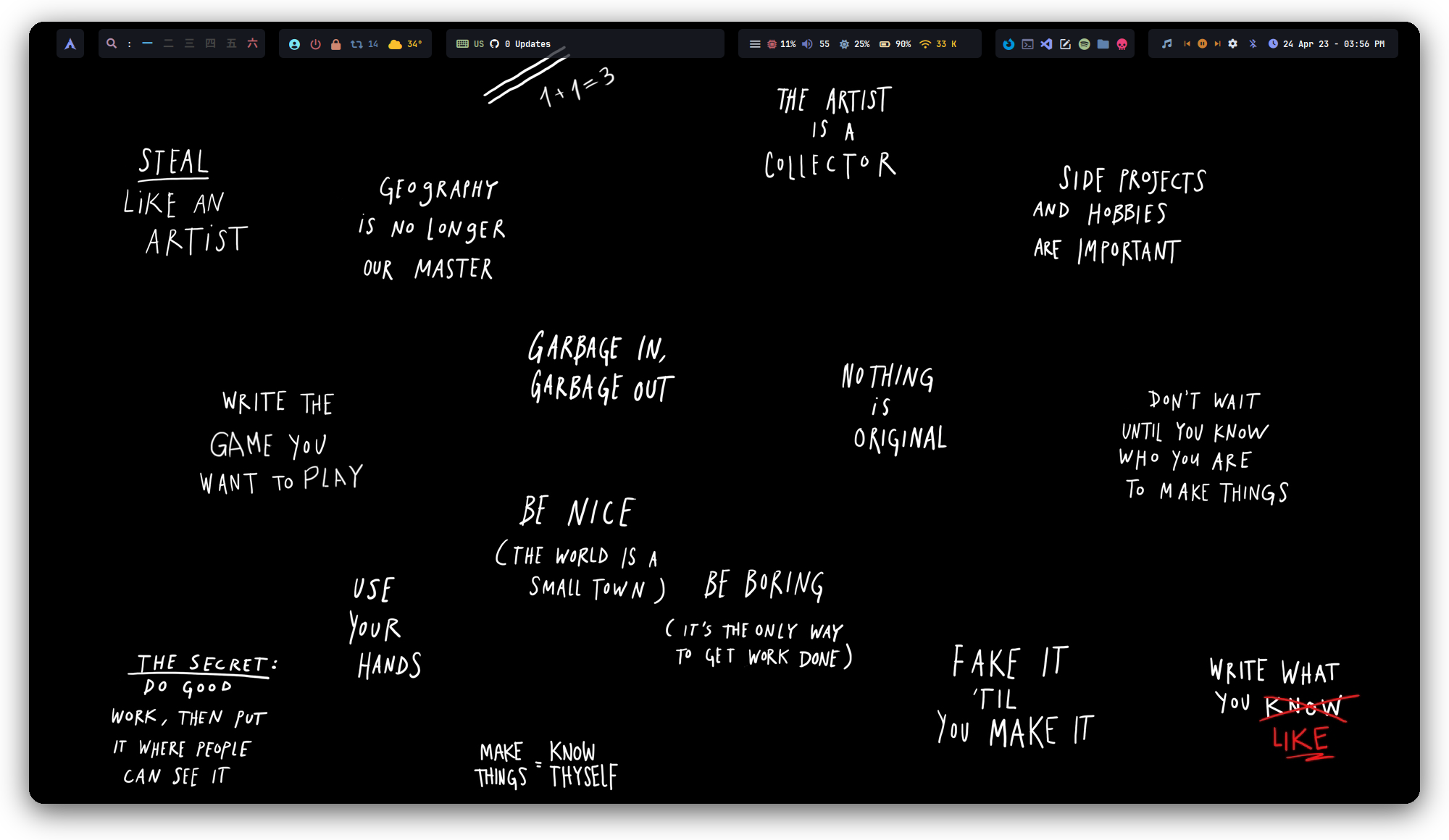 **`Polybar`**
 **`Old Polybar`**
 **`Info-Panel`**
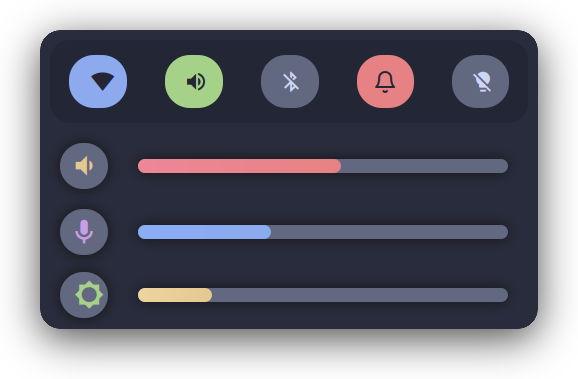 **`Side-Bar`**
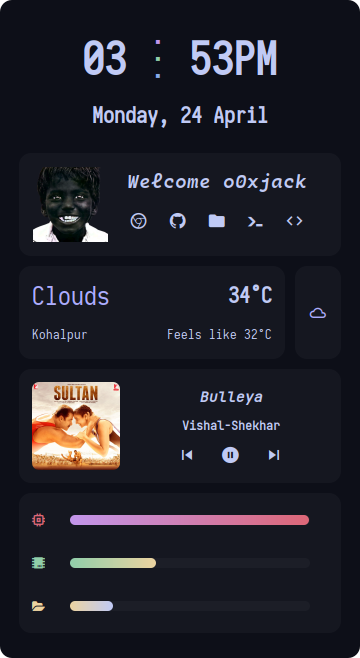 **`MusicPlayer`**
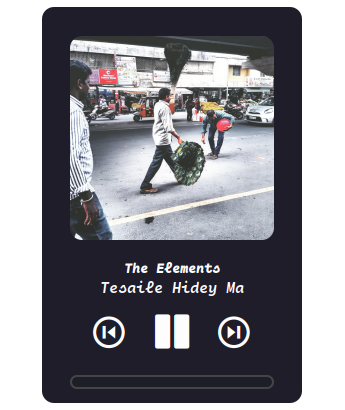 **`FireFox`**
 **`Old`**